 LOGSORTIE
Osmo Pocket 4P slow motion: modes and why clips show 25p
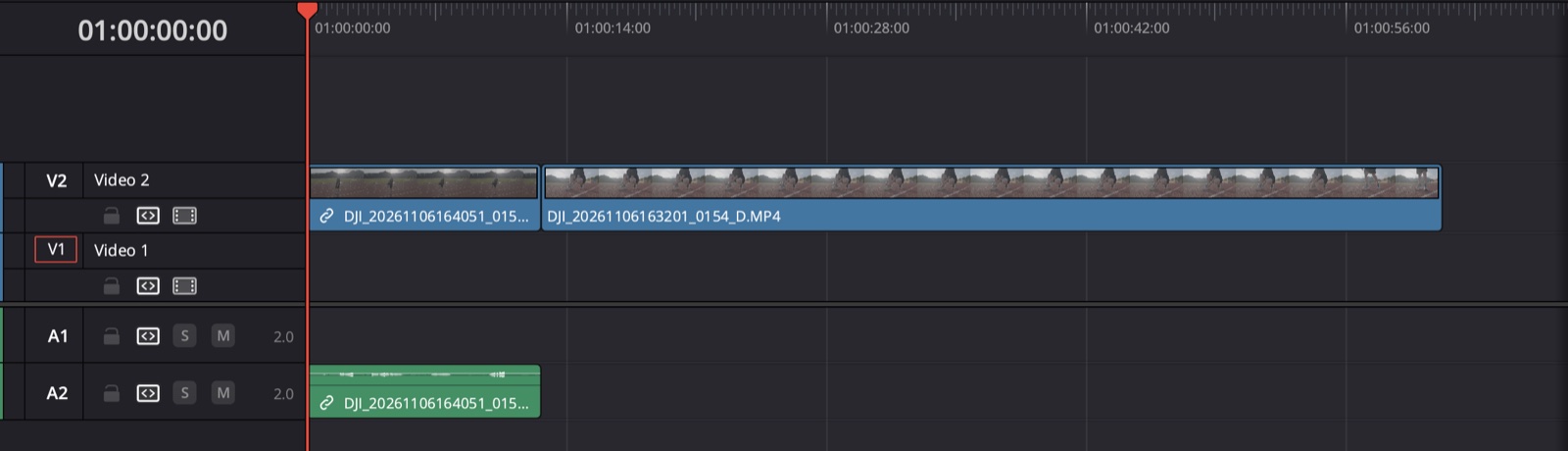
The Pocket 4P saves slow-motion clips already slowed down. A clip shot at 100 fps is stored to play at 25 fps, so on your computer it looks like any other 25p clip. The recording speed is still inside the file, just not where you'd normally look. And the sound isn't inside the video: the camera saves it apart, in a .AAC file with the same name.
Osmo Pocket 4P slow motion modes
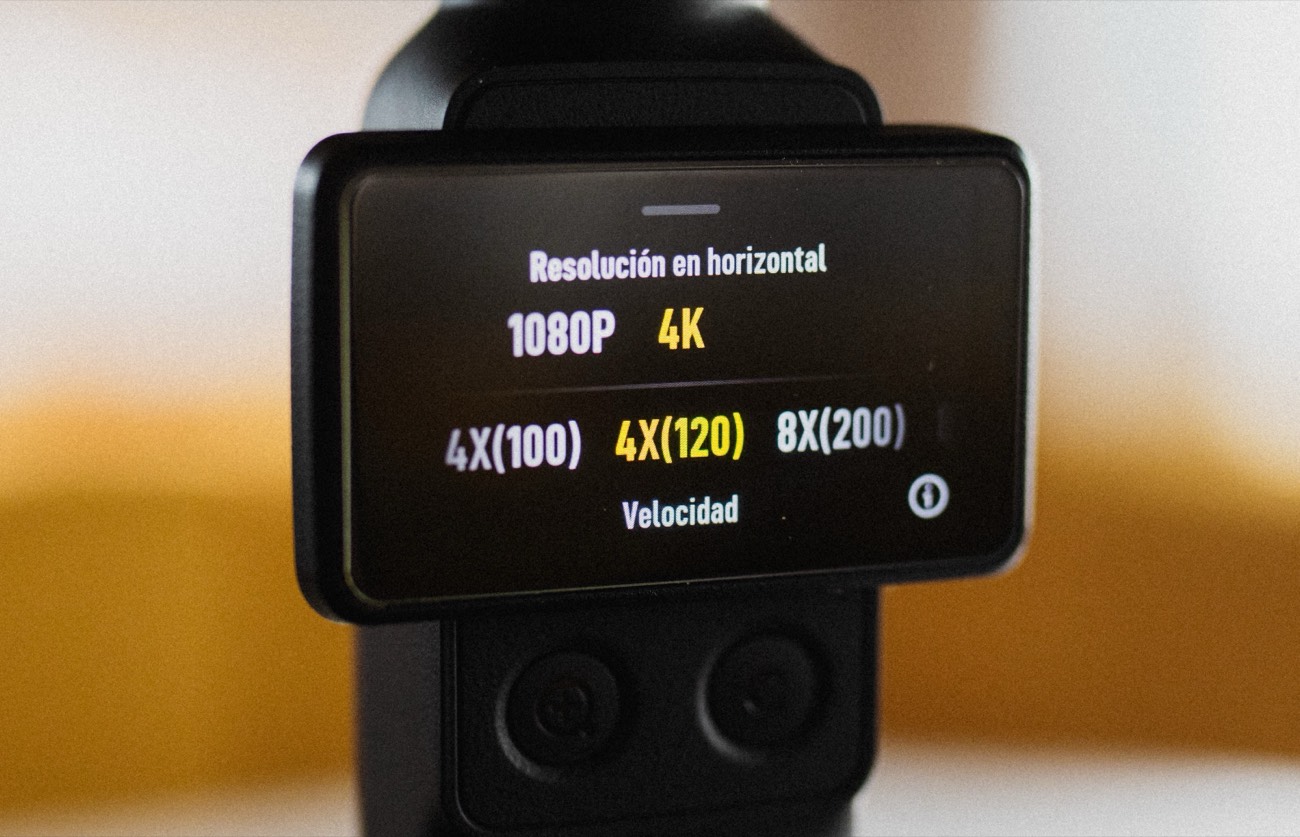
On my Pocket 4P, slow motion in 4K comes at 100, 120, 200 and 240 fps, and in 1080p at 120 and 240 fps. The camera conforms them to 25 or 30 fps when it saves them: 100 and 200 fps to 25, 120 and 240 fps to 30.
On the camera they show up as 4X (100), 4X (120), 8X (200) and 8X (240). The X is how many times slower the clip plays: 100 fps played at 25 is 4 times slower, 240 fps played at 30 is 8 times slower.
Why does my slow-motion clip say 25 fps?
Your editor and Finder show the playback frame rate, not the recording speed. So a 100 fps clip and a normal 25p clip both say 25 fps. The filename doesn't help either.
Do slow-motion clips have sound?
Not inside the video. On my card, none of the slow-motion MP4s has an audio track, while every normal clip has its sound inside.
But the camera does record sound during slow motion. It saves it in a separate .AAC file with the same name as the clip, at real speed, so it's much shorter than the slowed-down video: in my 100 fps clips, about a quarter. If you want that sound, keep the .AAC with its clip.
It also works as a clue. On my card, every clip with a .AAC next to it is slow motion, and every normal clip has a .LRF instead. It doesn't tell you whether a clip was shot at 100 or 200 fps, though.
How to edit Pocket 4P slow motion
- Don't slow them down again unless you want extra slow motion. They already play slowed.
- A 100 fps clip conformed to 25p fits a 25p timeline as it is.
- Keep them apart. Knowing which ones are 100 fps and which are 200 fps helps you plan the edit.
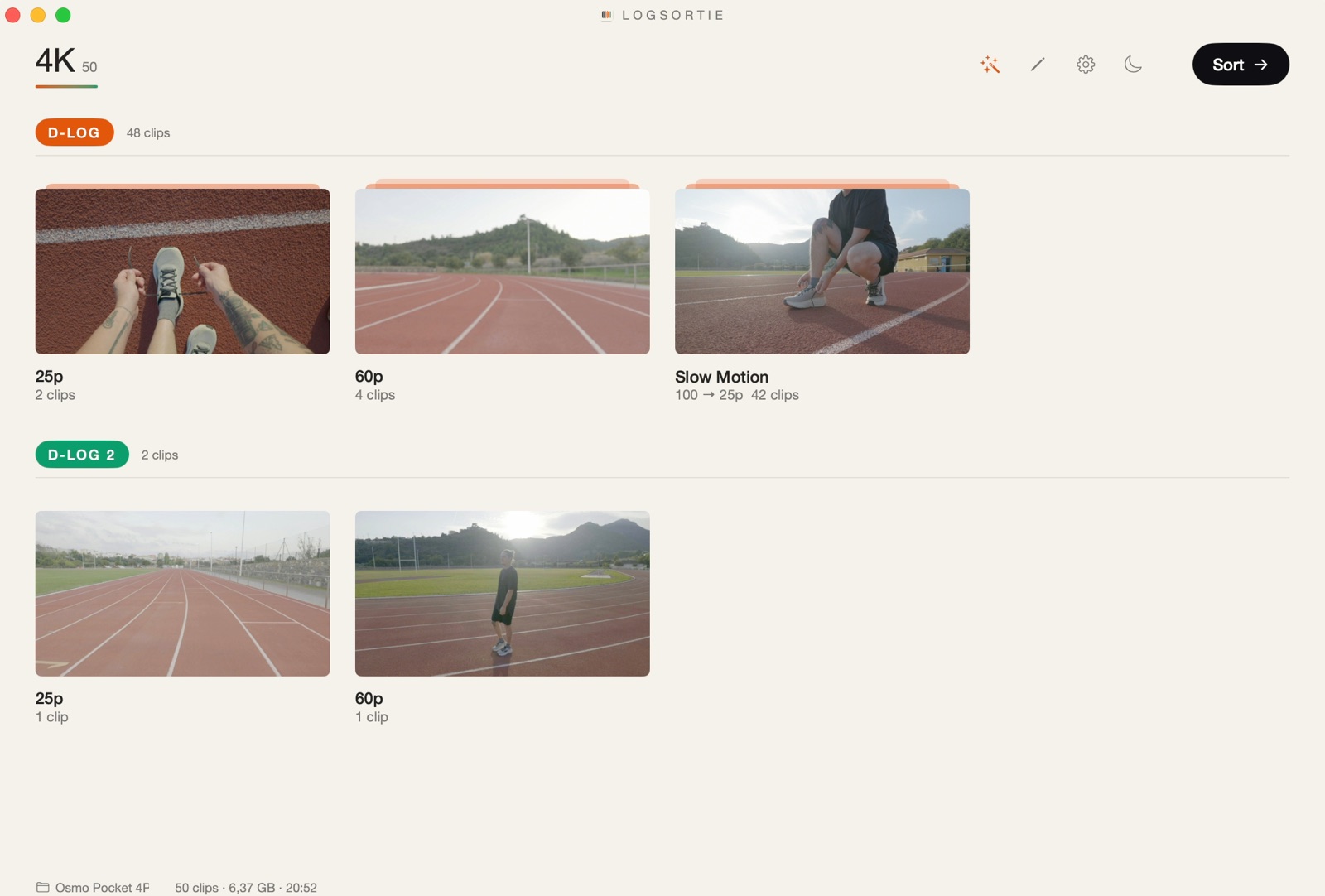
LogSortie reads the recording speed of each clip and puts it in the folder name, for example 4K Slowmo 100fps to 25p inside the D-Log folder. More about LogSortie